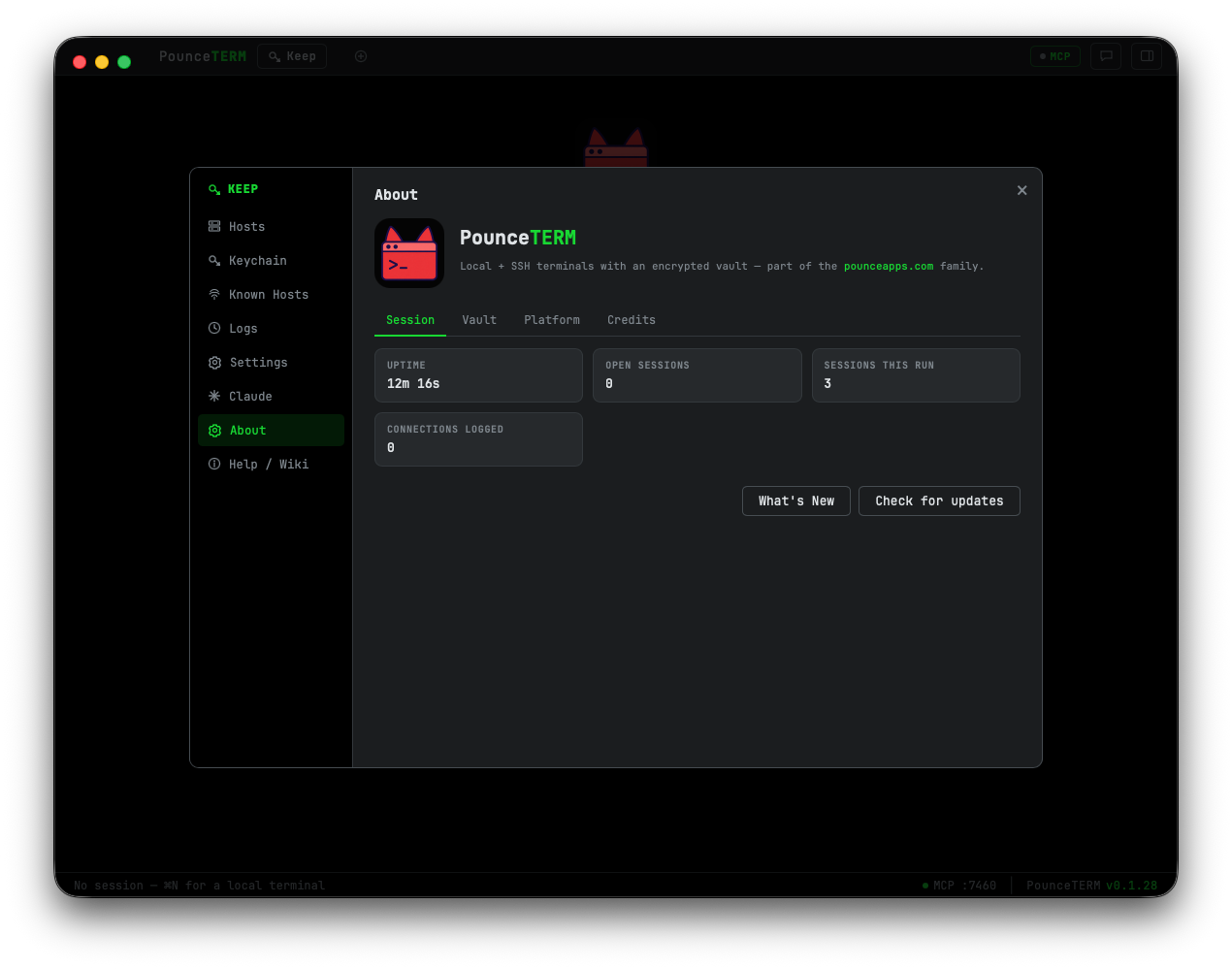
A native macOS terminal manager — local terminals and SSH in tabs, an encrypted host vault, per-host tab colors, tmux and vim that just work… and it's built to be Claude's home: start Claude in any tab, and a Claude on a remote box can drive the app too.
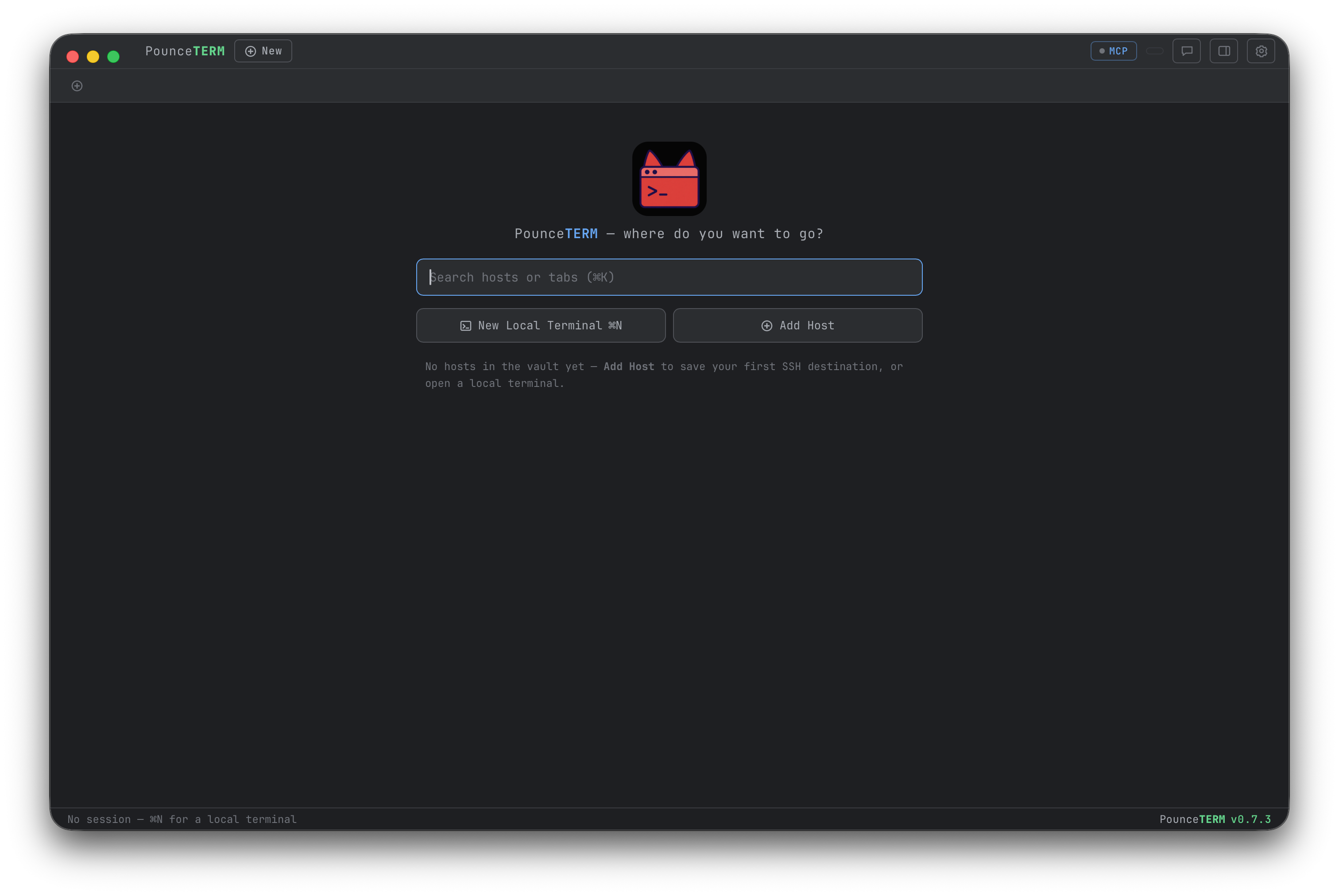
Why PounceTERM
A native terminal manager to leave Termius behind — built remote-first, and made to be the place Claude actually works.
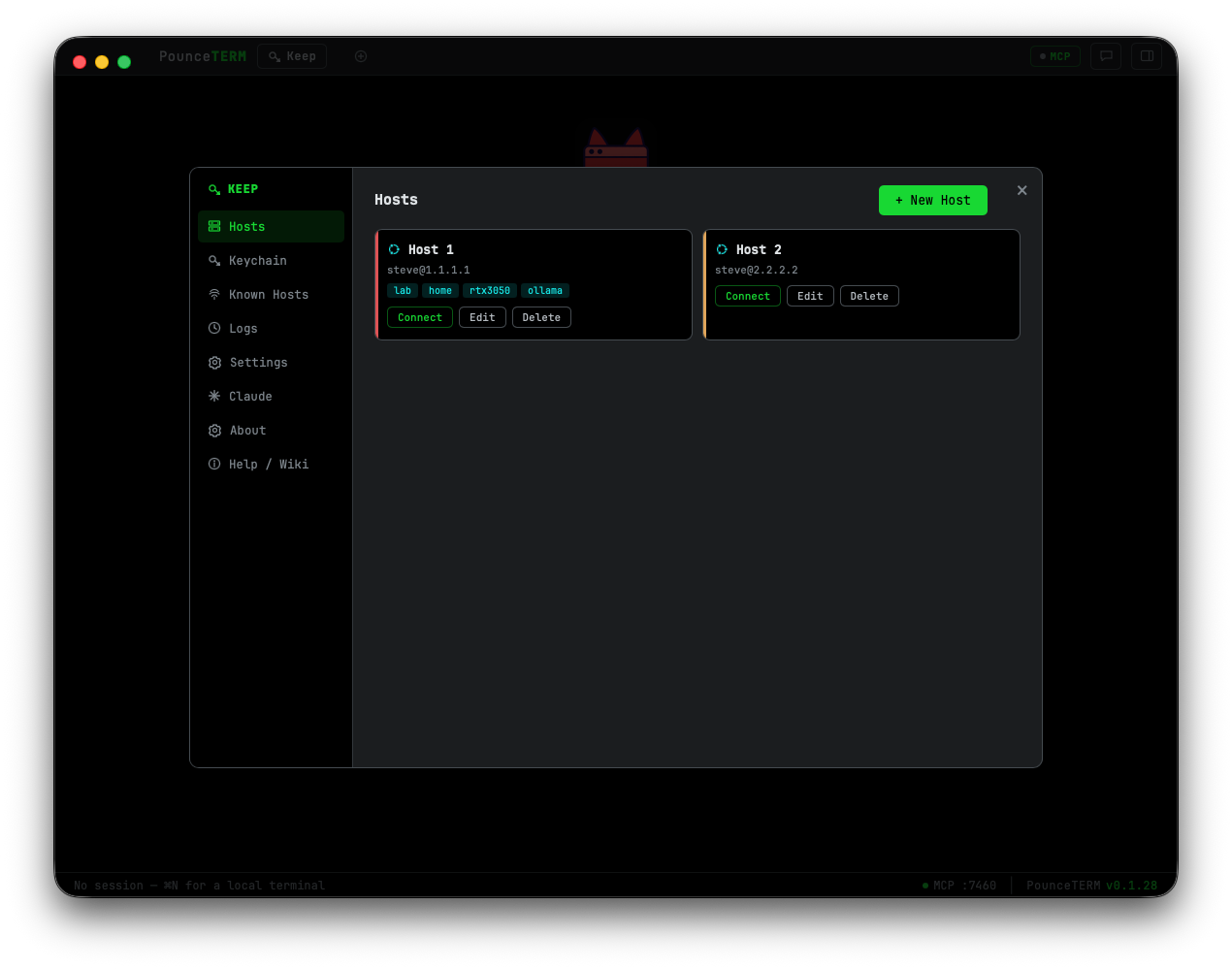
Local shells and SSH in tabs, an encrypted host vault, reusable identities, snippets, a connection log and per-host colors — import straight from ~/.ssh. Native, notarized, no subscription.
Connect by Tailscale IP or MagicDNS; Tailscale-SSH "check" hosts get a one-click browser login in-app, and offline peers fail fast and clearly instead of hanging.
Start Claude in any tab (even a remote box, over an automatic SSH tunnel), ask in the sidebar chat, and keep a hard per-session AI-control gate between "suggest" and "act".
Features
Real PTYs and full SSH shells side by side — tmux, vim, htop and mouse mode all work. Name and color each tab.
A dual-pane file browser for any host — drag files between local and remote (whole folders transfer recursively), with a live progress queue. A Quick Look-style viewer previews text, Markdown, images, HTML, and streamed video, audio & PDF; flip through a folder with ↑/↓. It reuses the host's SSH connection — no second login.
Remote programs that copy via OSC 52 — a Claude login URL, a tmux or vim yank — land straight in your Mac clipboard, even through tmux. And ⌘-click any URL to open it in your browser.
Hosts, identities, known keys and snippets — AES-256-GCM encrypted, the key in your macOS Keychain. Import straight from ~/.ssh.
Launch Claude Code in any tab with a click — profile, bypass-permissions, continue, model, and one-click MCP connect (over the SSH tunnel on remote hosts).
One email, many organizations — a work account with several orgs plus a personal plan? Make one profile per org: each keeps its own login, org choice, and history in its own folder, so work-Claude and personal-Claude run side by side in different tabs. The status bar and tab menu show which identity is running, restart keeps it, and an in-app guide walks through the whole setup. PounceTERM never touches credentials; a new profile just asks you to log in once.
Right-click any tab for a live snapshot: open time, output and typed bytes, the process tree with memory and CPU, a minute-by-minute chart of the last hour, an hour-of-day activity strip — and a Claude view showing whether Claude runs there, as which profile, and that profile's sessions, projects, and disk footprint.
A Claude on your remote box reaches PounceTERM's tools through an automatic SSH reverse tunnel — bound to the remote's loopback. On a shared host you can require a bearer token (opt-in) so co-tenants can't touch it. Gone with the session.
Two sessions — local or remote — can talk to each other through PounceTERM while you watch and moderate.
Homebrew, Pounce, Night Prowl and more — and a font picker listing every monospace font installed on your Mac.
Ask Claude in a sidebar that acts on the terminal you're working in. Markdown & Mermaid render; Allow/Deny cards gate any command.
Connect over Tailscale by IP or MagicDNS. Tailscale-SSH "check" hosts get a one-click browser login right in the app.
Star the boxes you live in — they sit at the top of the launch screen above your recent connections.
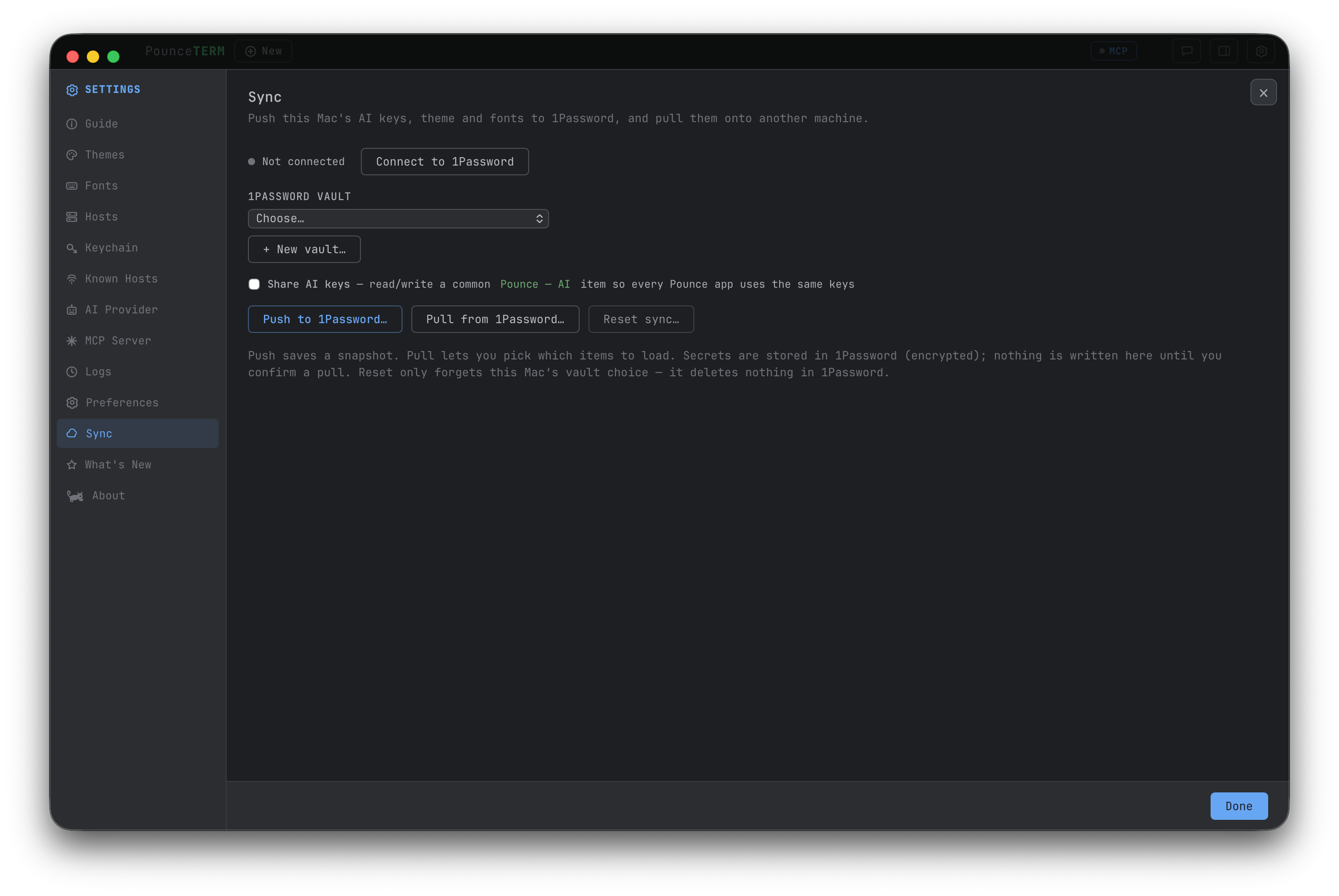
Push this Mac's AI keys, theme and fonts into a 1Password vault you choose, then pull them onto another Mac — you pick exactly which items to apply. Secrets stay encrypted in 1Password, and nothing is written locally until you confirm. Set up once, then every Mac matches.
Toggles, themes and fonts take effect the moment you change them — the footer is a single Done. Credential forms keep an explicit Save, so a half-typed key never sticks. New terminals and file dialogs start in your home folder, or a default folder you pick.
A closer look
~/.ssh.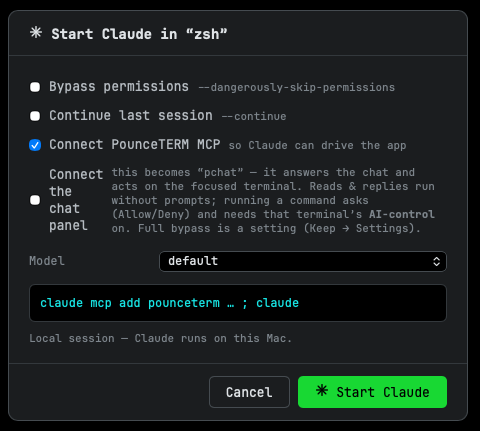
Tailscale
Tailscale just gives you the route to a machine — SSH on top is normal SSH, and PounceTERM connects the way your terminal does. Add a host by its Tailscale IP or its MagicDNS name; agent, key file, or password all work exactly as usual.
Point a host at 100.x.y.z or example-host.tailnet.ts.net — resolution and connect happen through your existing Tailscale setup, no extra config.
Hosts running Tailscale SSH (banner SSH-2.0-Tailscale) can require a one-time browser check. PounceTERM catches the login URL and pops "Open login page" — approve in your browser and the connection finishes on its own.
The SSH handshake is bounded, so a sleeping or offline peer fails fast and clearly ("host didn't respond") instead of hanging — with a hint to check tailscale status.
Under the hood the TERM is xterm-256color over
both local PTYs and SSH, so vim, tmux, htop, mouse mode and truecolor all behave on the far side — the
emulator is xterm.js, the same engine VS Code uses.
The chat panel
The chat on the right isn't a second AI — it's a Claude Code session you start in a tab ("Start Claude here… → Connect the chat panel"). Ask in plain language about the terminal you're looking at — "what's using my disk?", "is my repo clean?" — and it reads that terminal, runs the read-only command, and answers with the real output, chaining several steps for a bigger question. You never name the terminal; it uses the one you're focused on. Messages are pushed over Claude Code's channel feature, so an idle chat costs no tokens.
df -h /Every message carries a snapshot of your focused terminal, frozen the moment you send it, plus that terminal's stable id — so it answers about the right terminal even if you open more tabs while it thinks.
Replies render rich text, tables, code, and Mermaid diagrams inline.
When the chat wants a gated tool, the approval prompt appears right in the panel — no switching tabs. Powered by Claude Code's permission relay.
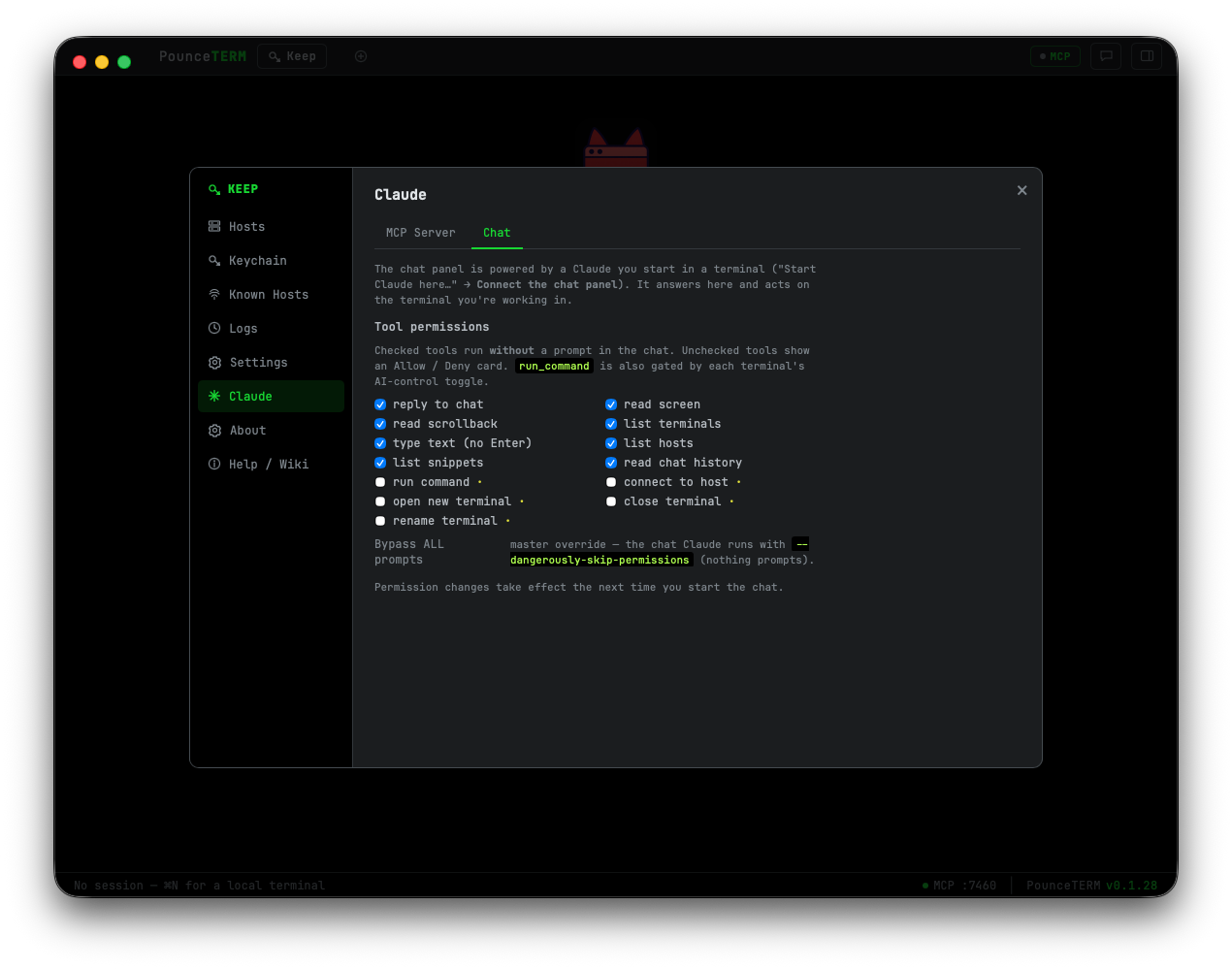
Choose exactly which tools run without asking (reads & typing by default; running commands prompts). Or bypass entirely — your call, in Keep → Claude.
Claude's home
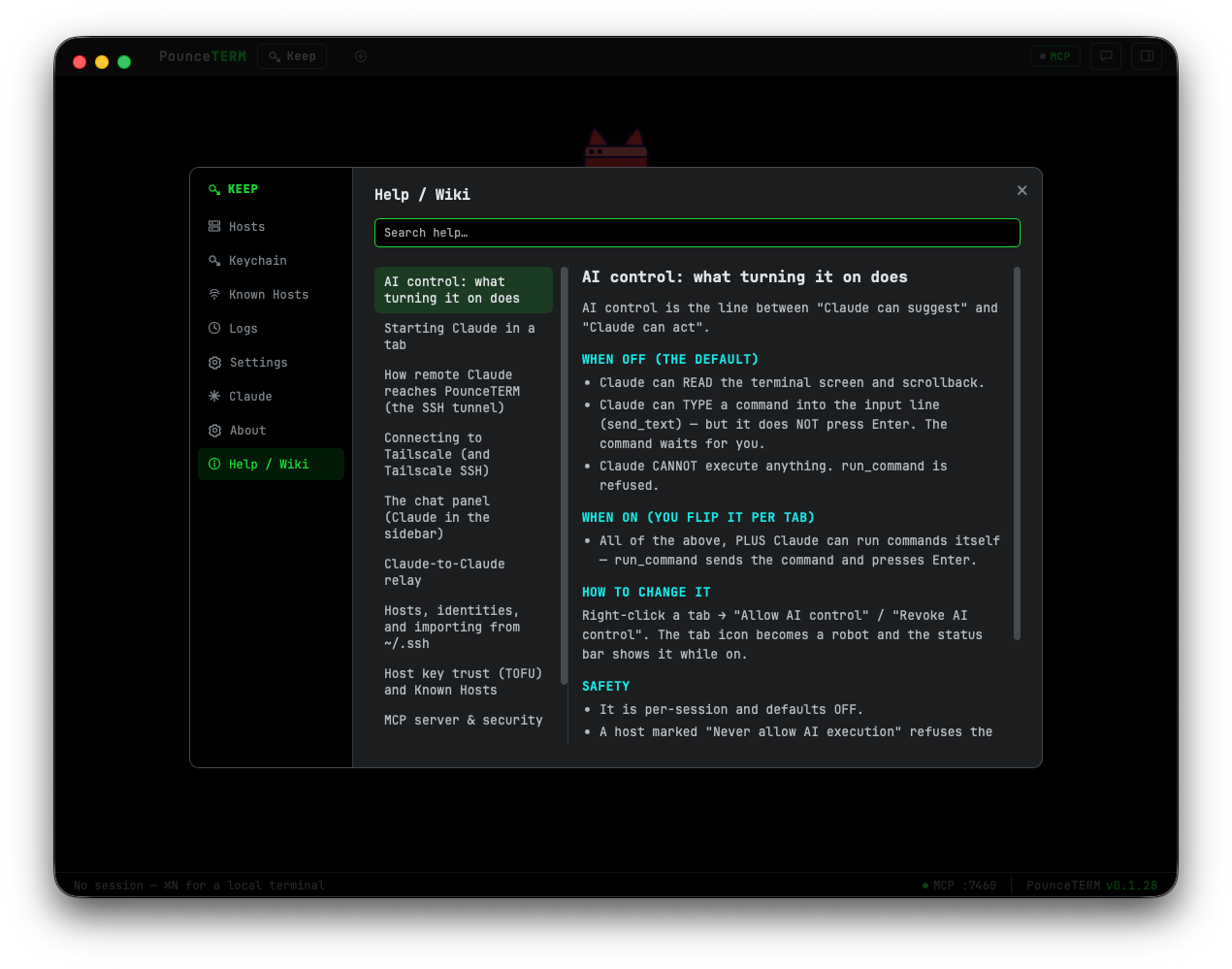
PounceTERM has a built-in MCP server, so Claude Code can read your terminals and help. The line between suggesting and acting is a single per-session toggle: with AI control off, Claude can read the screen and type a command into the input line, but only you press Enter. Turn it on for a tab and Claude can run commands itself. A host can be marked "never allow AI execution" as a hard rail for production boxes — and Claude can never grant itself that right.
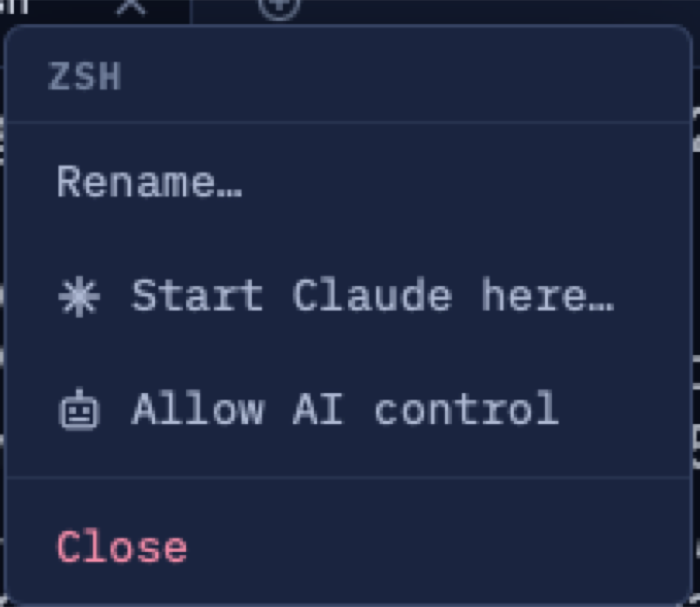
Claude sees the screen and scrollback and can draft the next command into your input line — you decide.
Flip AI control on for a session and Claude runs commands itself. Off by default, always your call.
A Claude running on your Ubuntu box reaches the same tools over the automatic SSH tunnel — verified end to end.
Install
macOS 13+ (Apple Silicon).
brew tap pounceapps/tap
brew trust pounceapps/tap
brew install --cask pounceterm
Or download a notarized .dmg from
pounceapps/downloads.