
A fast, native macOS client for Azure SQL, SQL Server, PostgreSQL and SQLite — with an AI assistant that doesn’t just write queries, it diagrams your schema and charts your results. Ships with a demo database, so you can start querying in seconds.
Why PounceSQL
If you touch more than one database and want AI that actually understands your data — not a generic chatbot bolted onto a results grid.
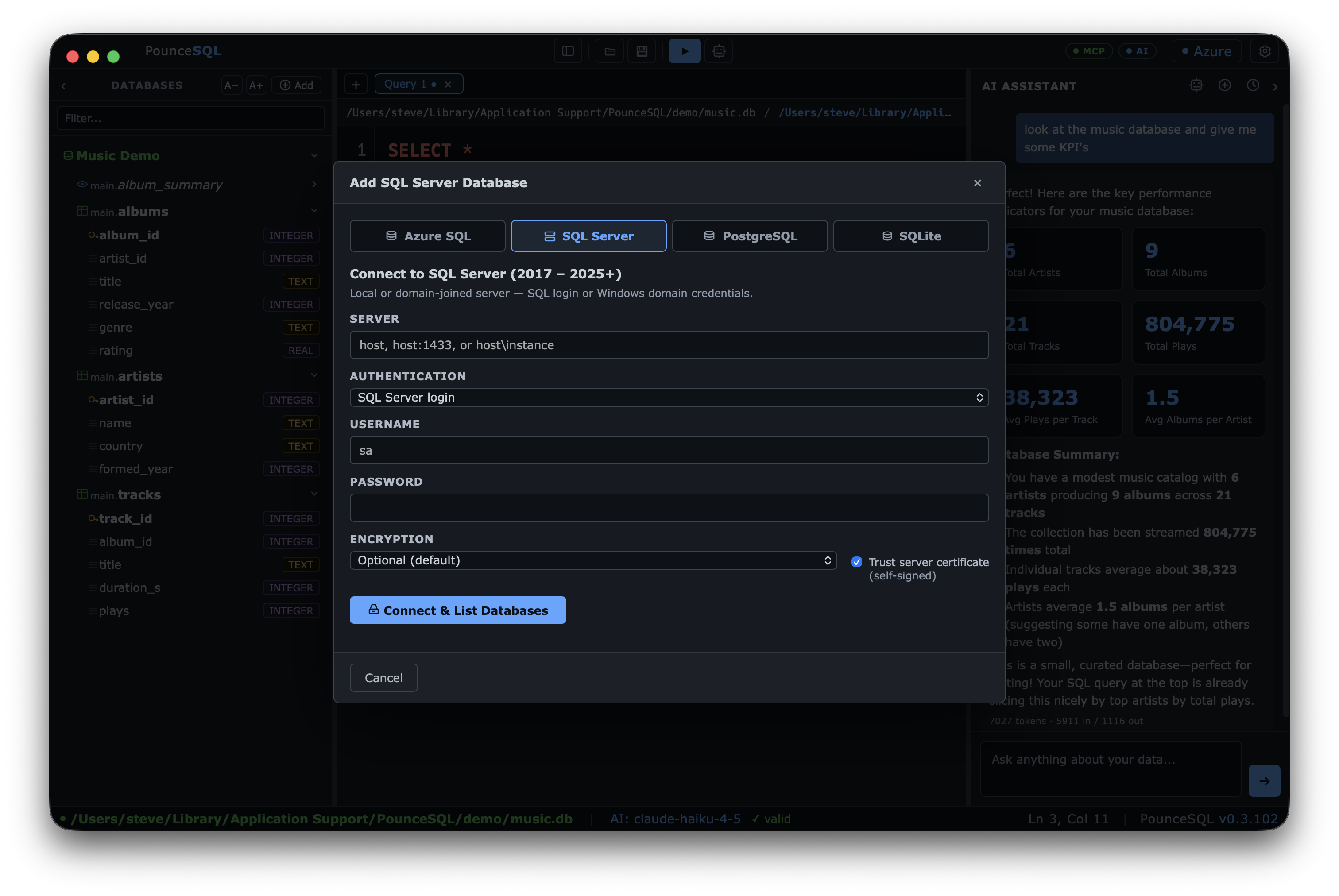
Azure SQL, SQL Server, Postgres and SQLite in a single native app — stop juggling Azure Data Studio, pgAdmin and a SQLite browser. Pin them all to one tree and switch instantly.
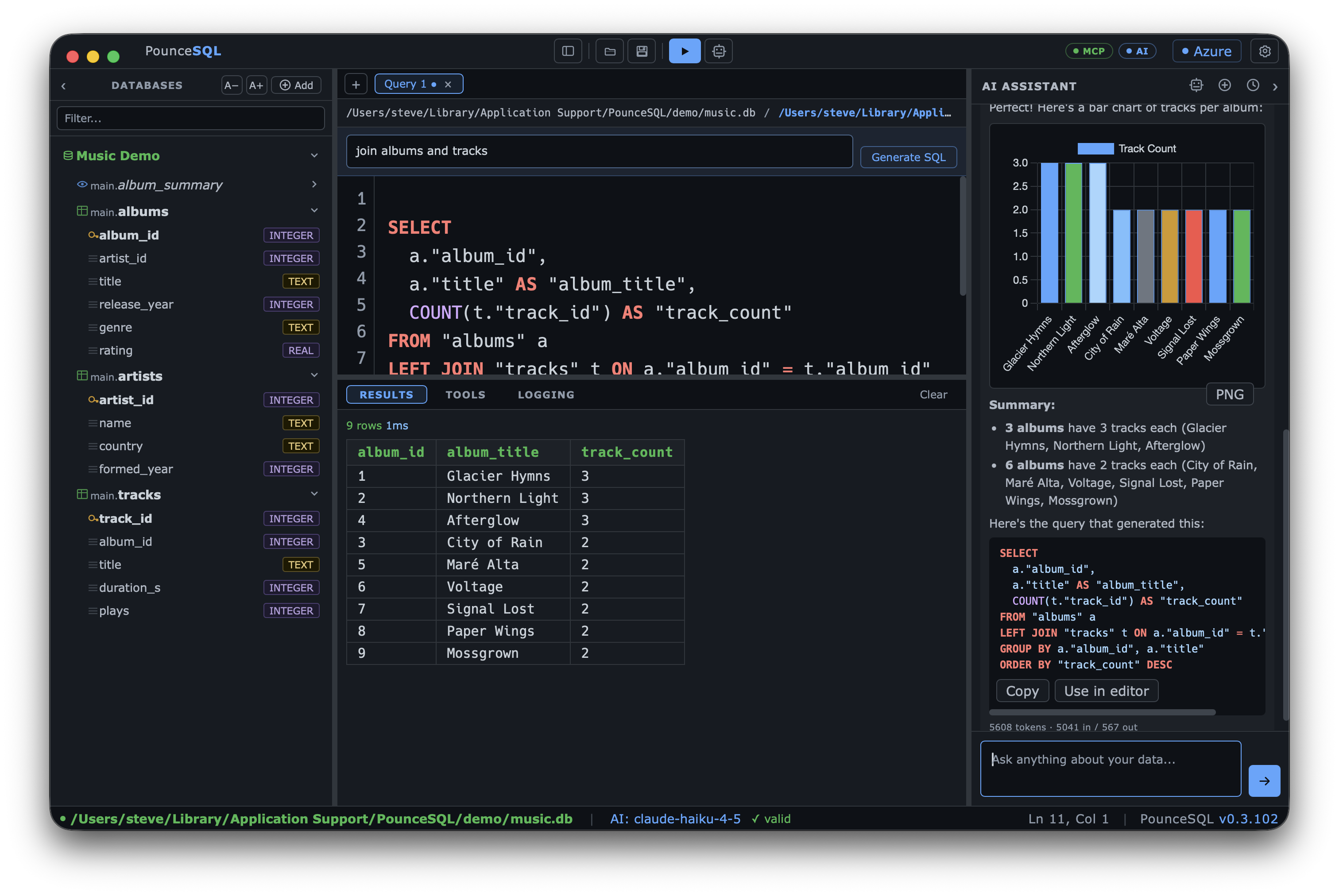
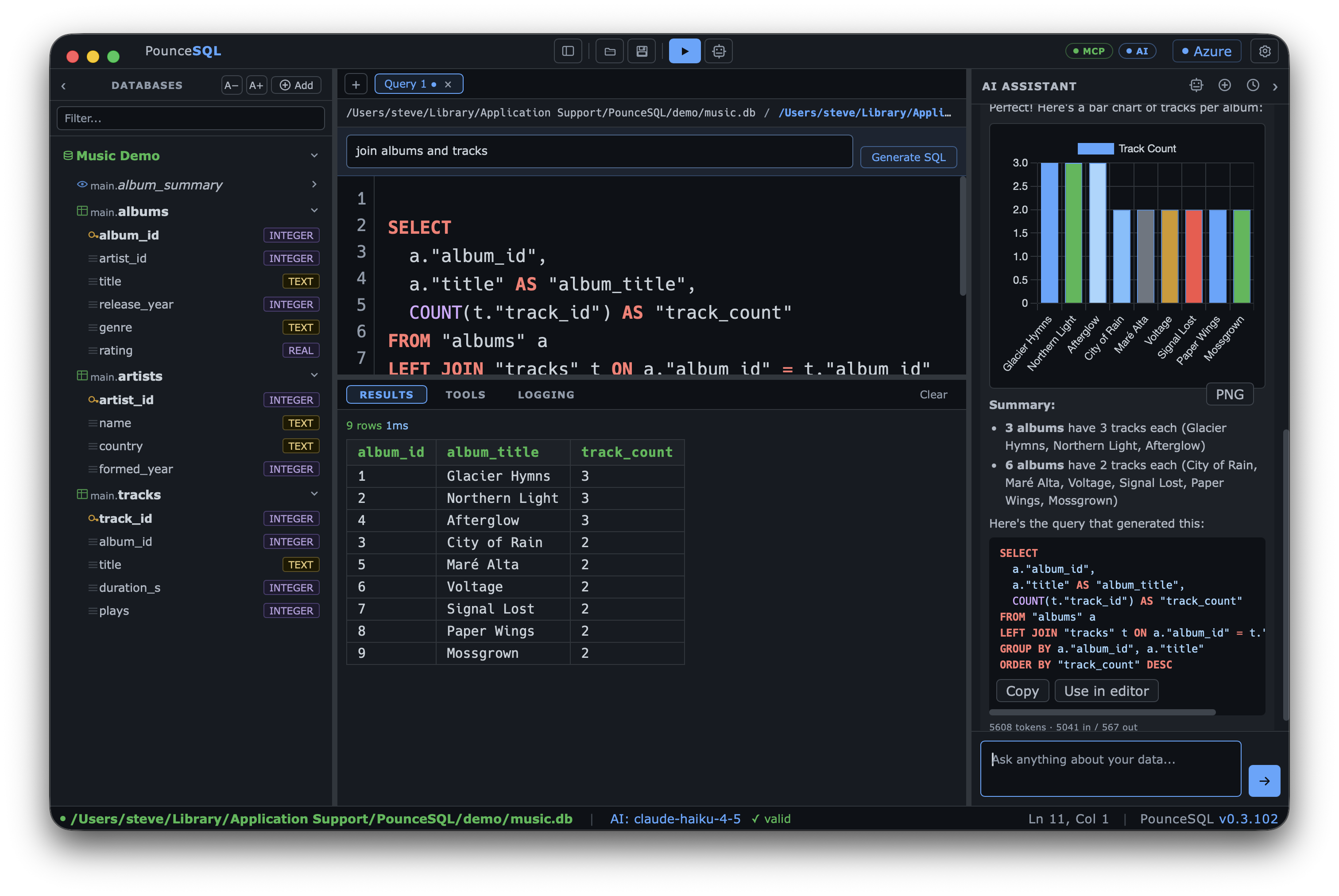
Ask in plain English. PounceSQL reads your live catalog, writes correct SQL, runs it, and turns the answer into a chart, a Mermaid ER diagram, or a plain-English summary — right beside the editor.
Read-only by default — non-SELECT statements run only when you allow them. Use OpenAI/Anthropic, a local Ollama model, or your org's gateway, with a PHI-safe indicator so you always know what's cleared.
Four engines, one client
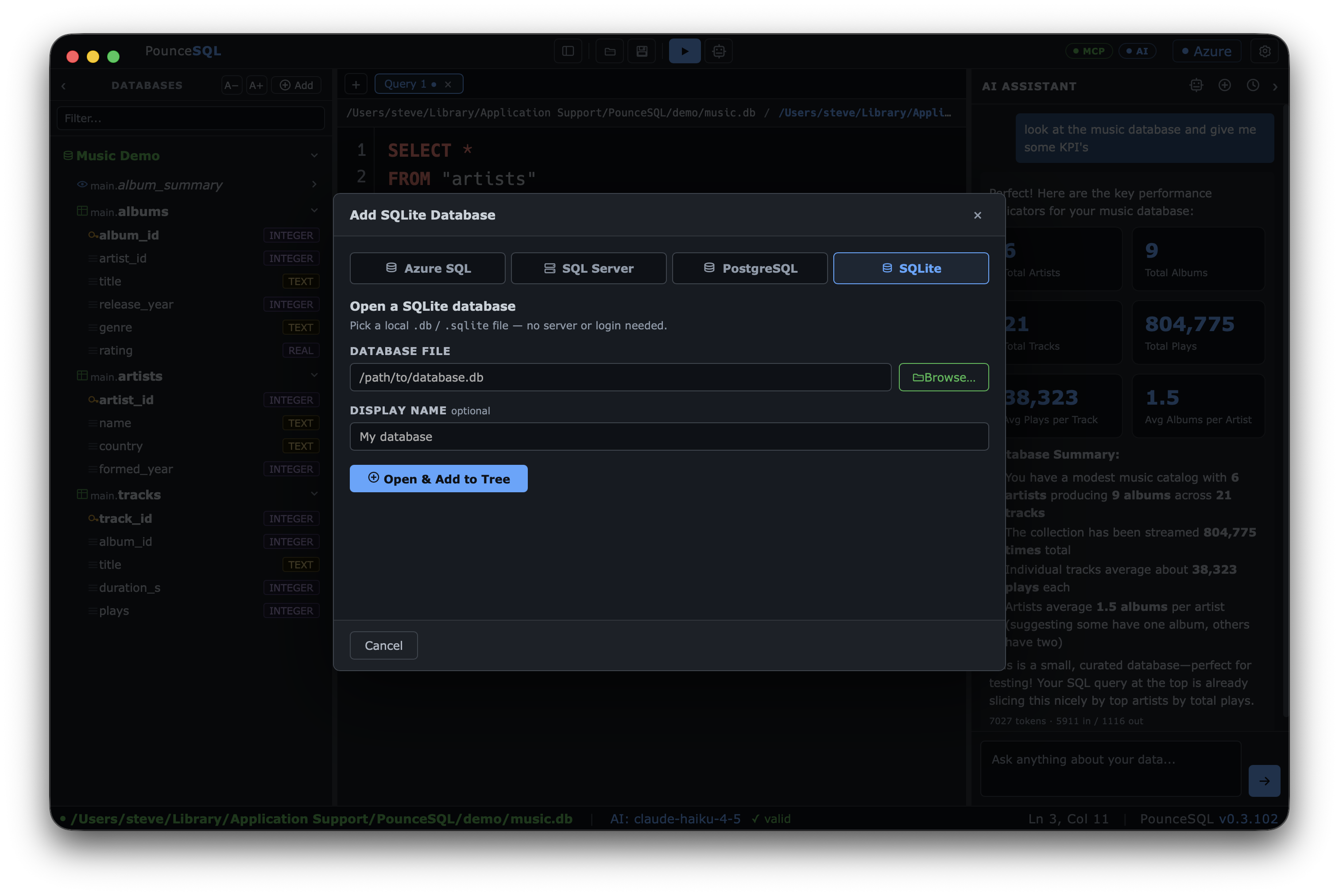
Native drivers for each — Azure AD / SQL / NTLM / Kerberos auth for SQL Server, full Postgres support, and zero-config SQLite. Pin databases to the tree and switch instantly.
Azure AD login, per-database pinning, and a guided connect wizard.
On-prem 2017–2025+, with SQL, NTLM or Kerberos authentication.
Full Postgres support over pgx — including AWS RDS & Aurora with your AWS login (IAM), no password.
Open any .db file instantly. A demo music database is built in.
The AI assistant
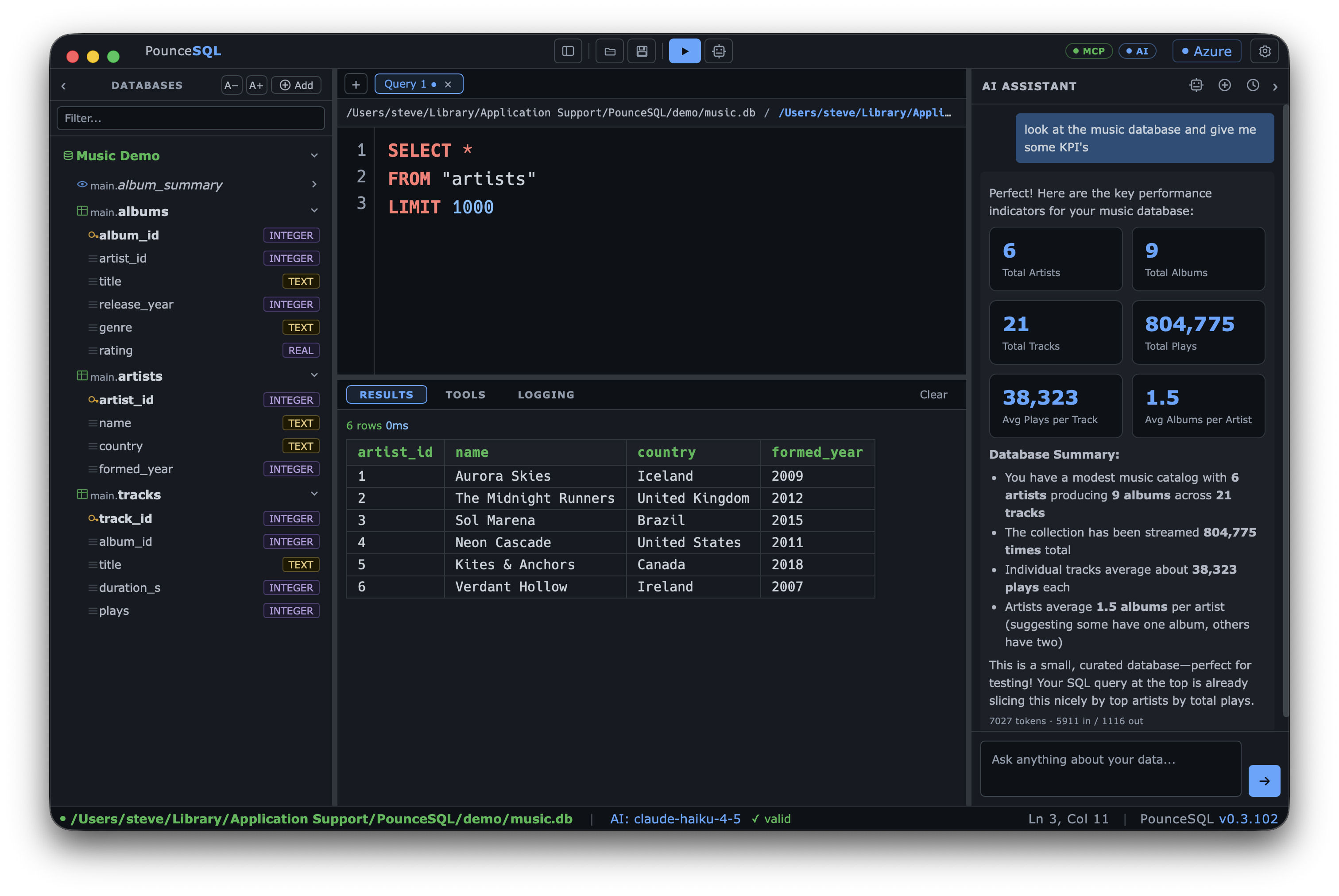
Ask in plain English. PounceSQL knows your schema, so it writes correct SQL, runs it, and turns the answer into a chart, a Mermaid diagram, or a clean summary — right next to your editor.
artists → albums → tracks — as a Mermaid ER diagram. Foreign keys drawn from the live catalog.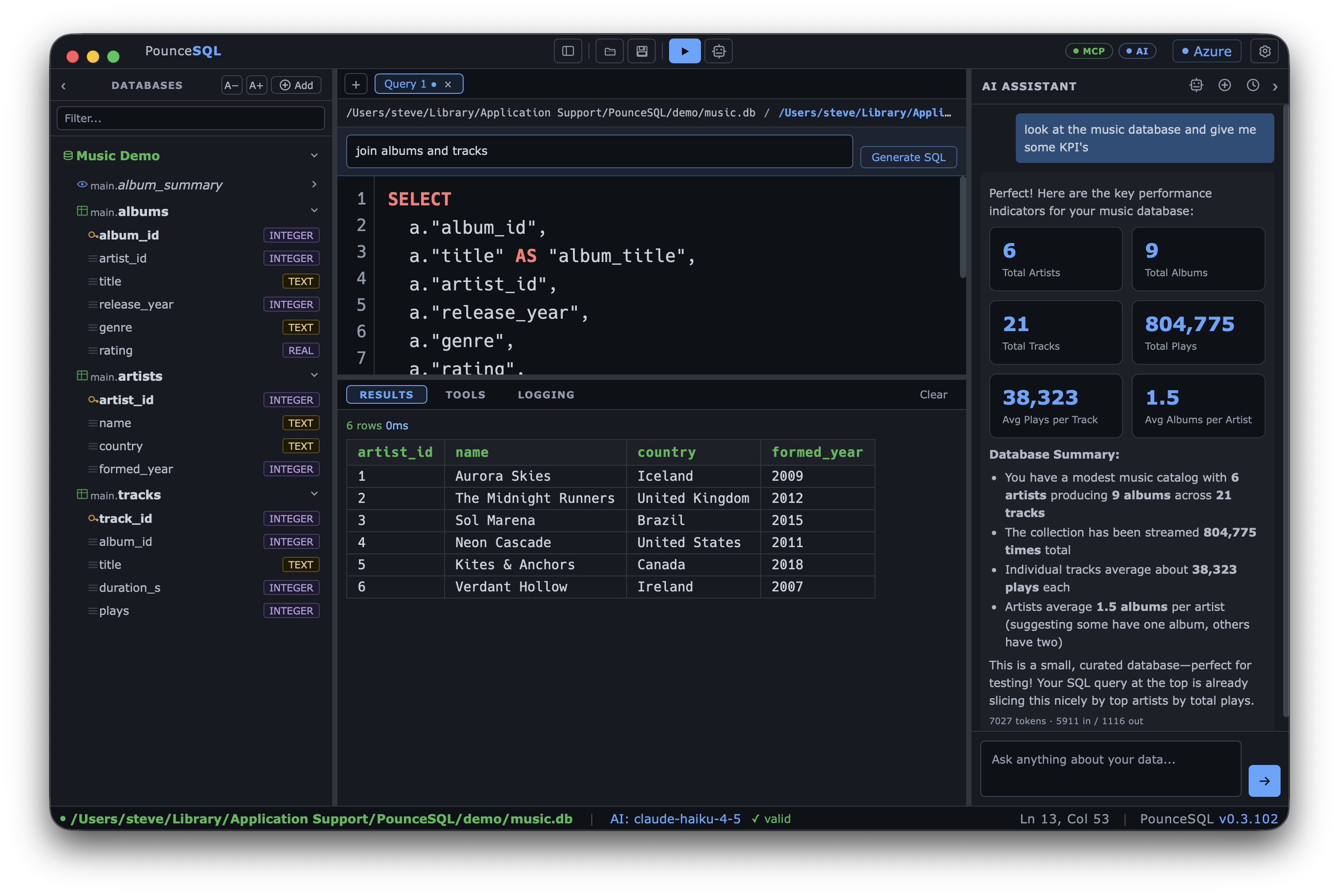
Bar, line and pie charts generated from the rows the query returns.
Mermaid ER diagrams and flowcharts drawn from the live catalog.
Headline numbers and plain-English readouts from a result set.
Bring your own AI
No lock-in. Point PounceSQL at a direct API key, a local Ollama model, or a corporate AI gateway — with per-provider profiles and a model switcher. A PHI-safe indicator shows when your model is cleared for sensitive data.
OpenAI or Anthropic keys, stored encrypted in the macOS keychain.
Run models entirely on your machine — nothing leaves your Mac.
Point at your org’s gateway; PHI-OK / no-PHI shown right in the status bar.
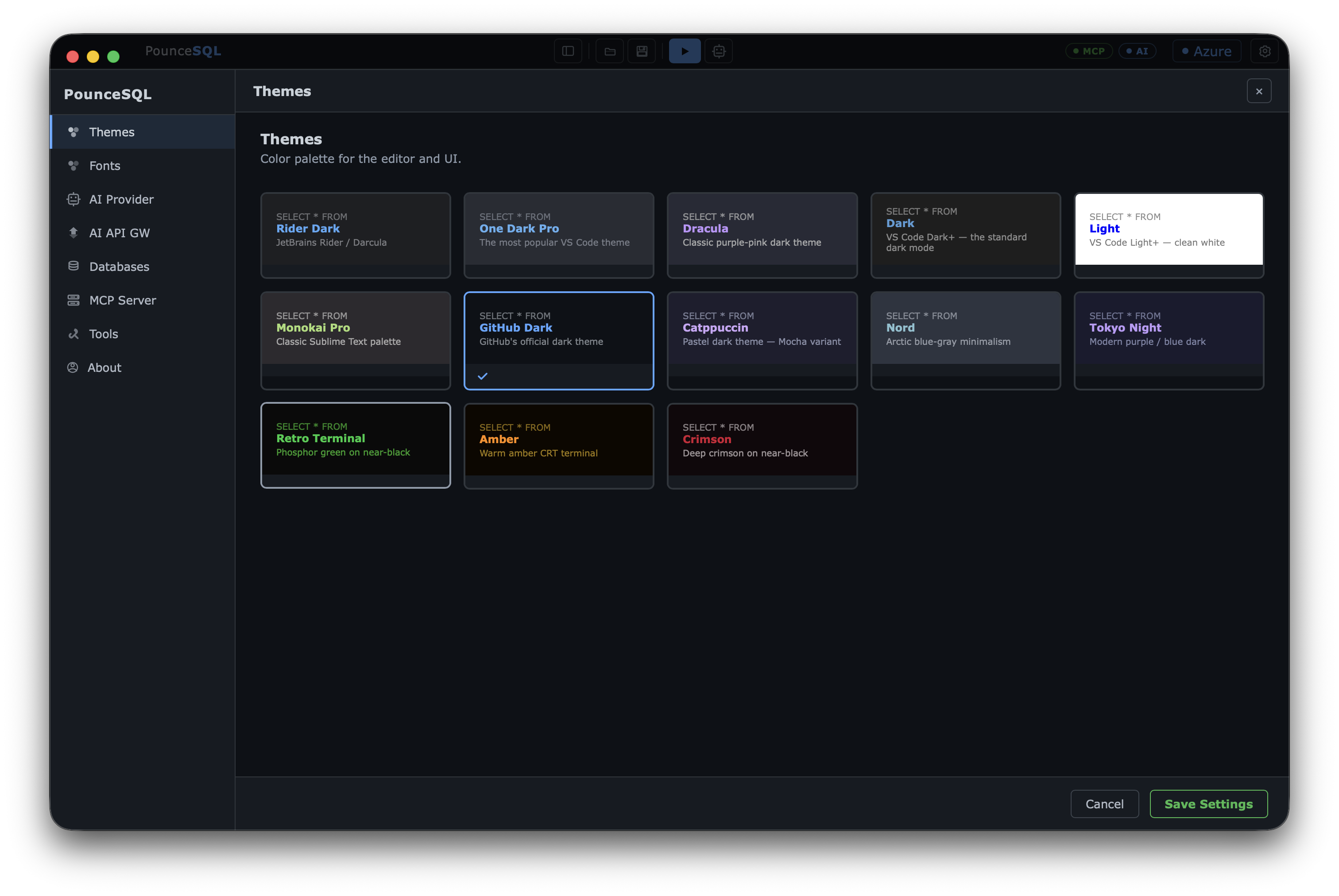
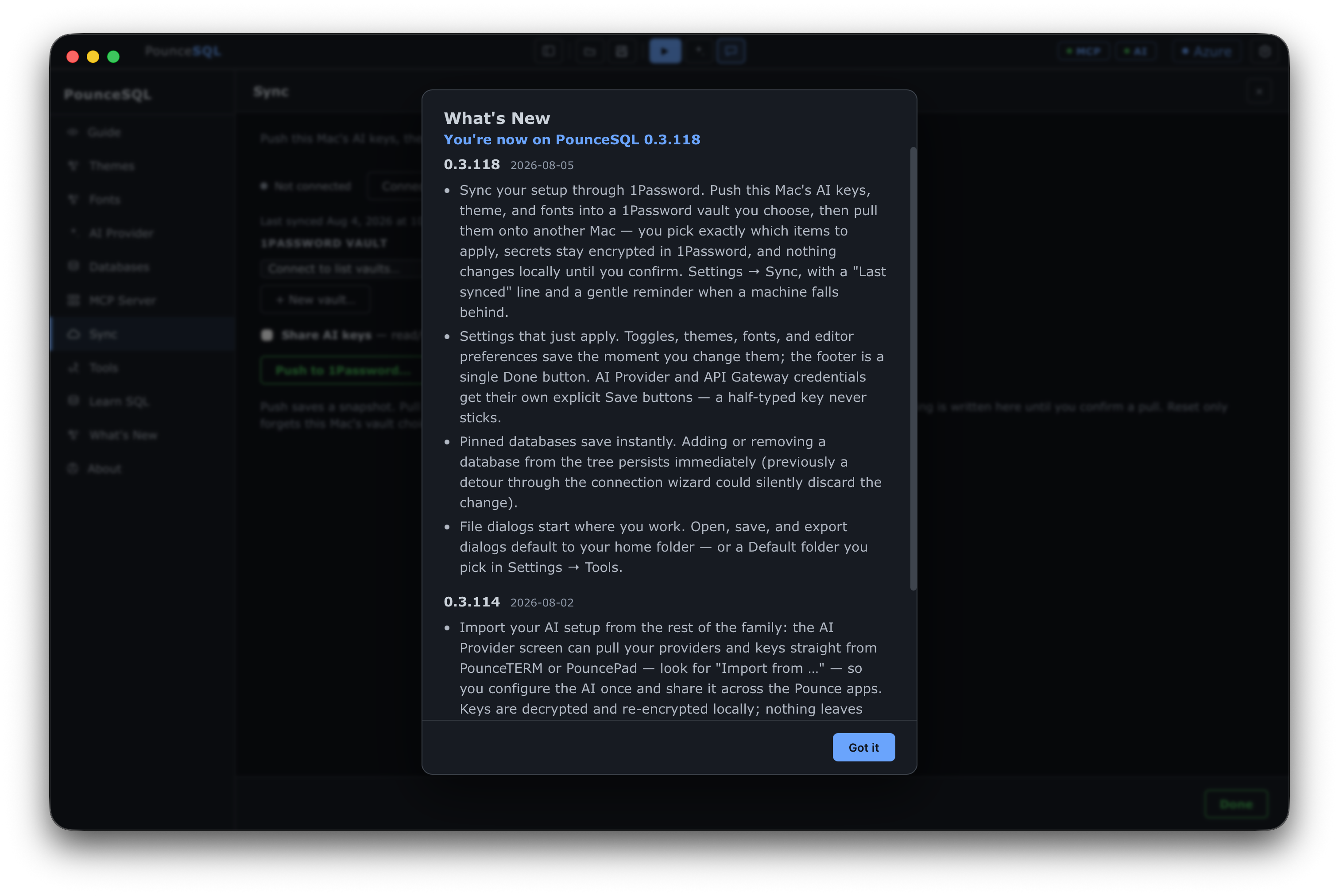
Configure your provider once. Push this Mac's AI keys, theme and fonts into a 1Password vault, then pull them on your laptop — pick exactly which items to apply. Keys stay encrypted in 1Password, and nothing is written locally until you confirm the pull.
A closer look
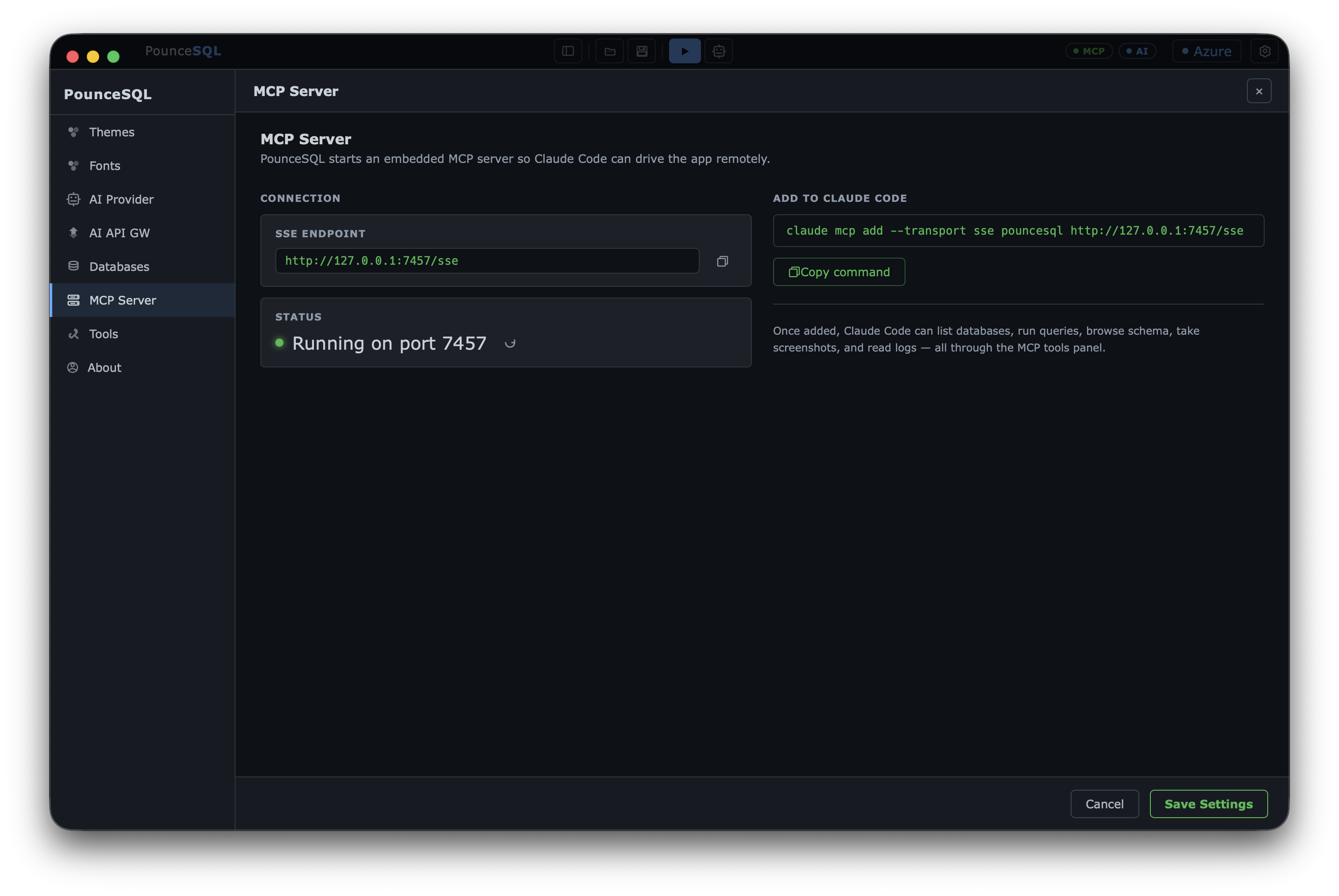
Install
macOS 13+ (Apple Silicon). Ships with a demo database — no server or login required to start.
brew tap pounceapps/tap
brew trust pounceapps/tap
brew install --cask pouncesql
Or download a notarized .dmg from
pounceapps/downloads. Full docs in the
wiki.
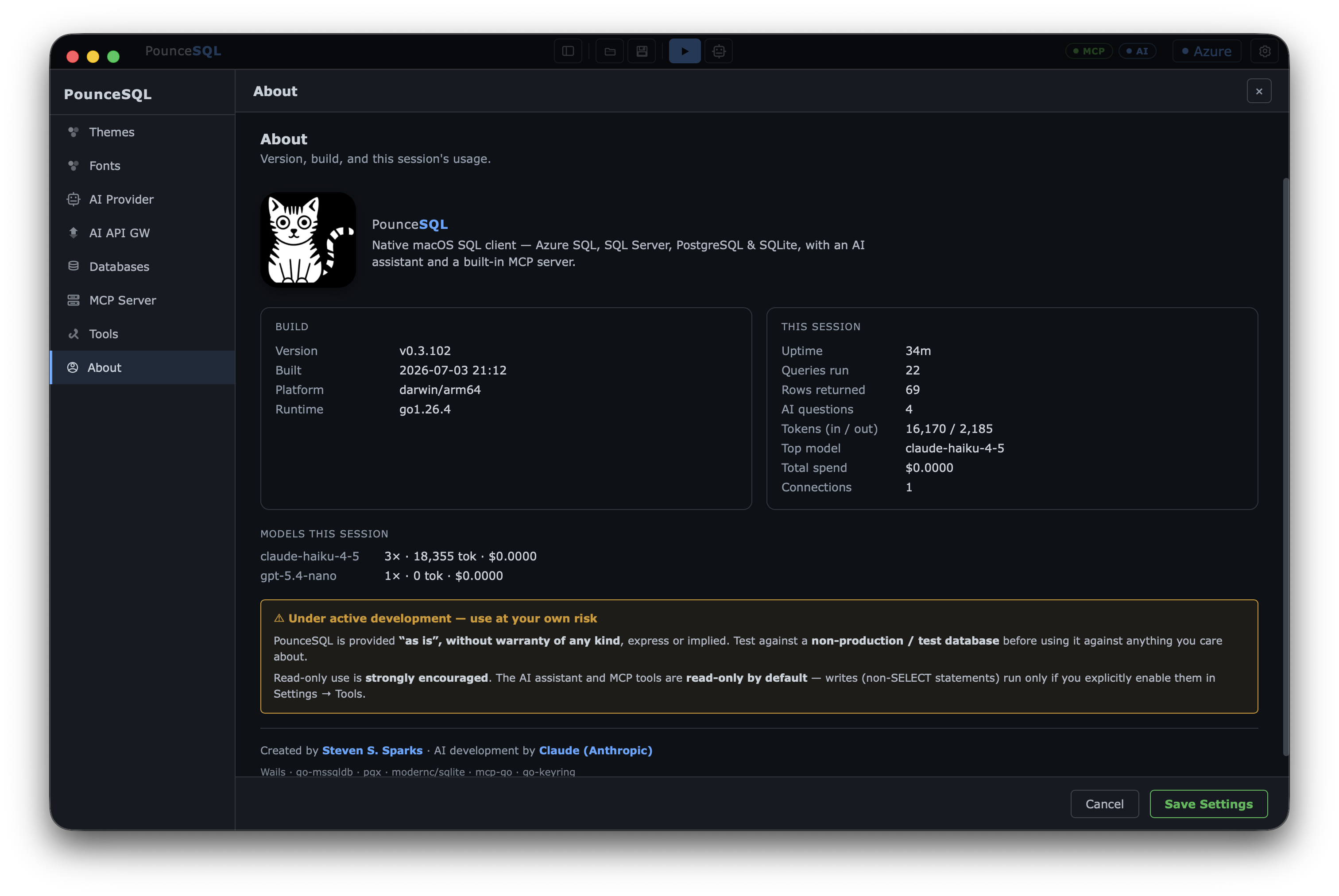
Under active development. Provided “as is”, without warranty. The AI assistant and MCP tools are read-only by default — non-SELECT statements run only if you enable them. Test against a non-production database first.